
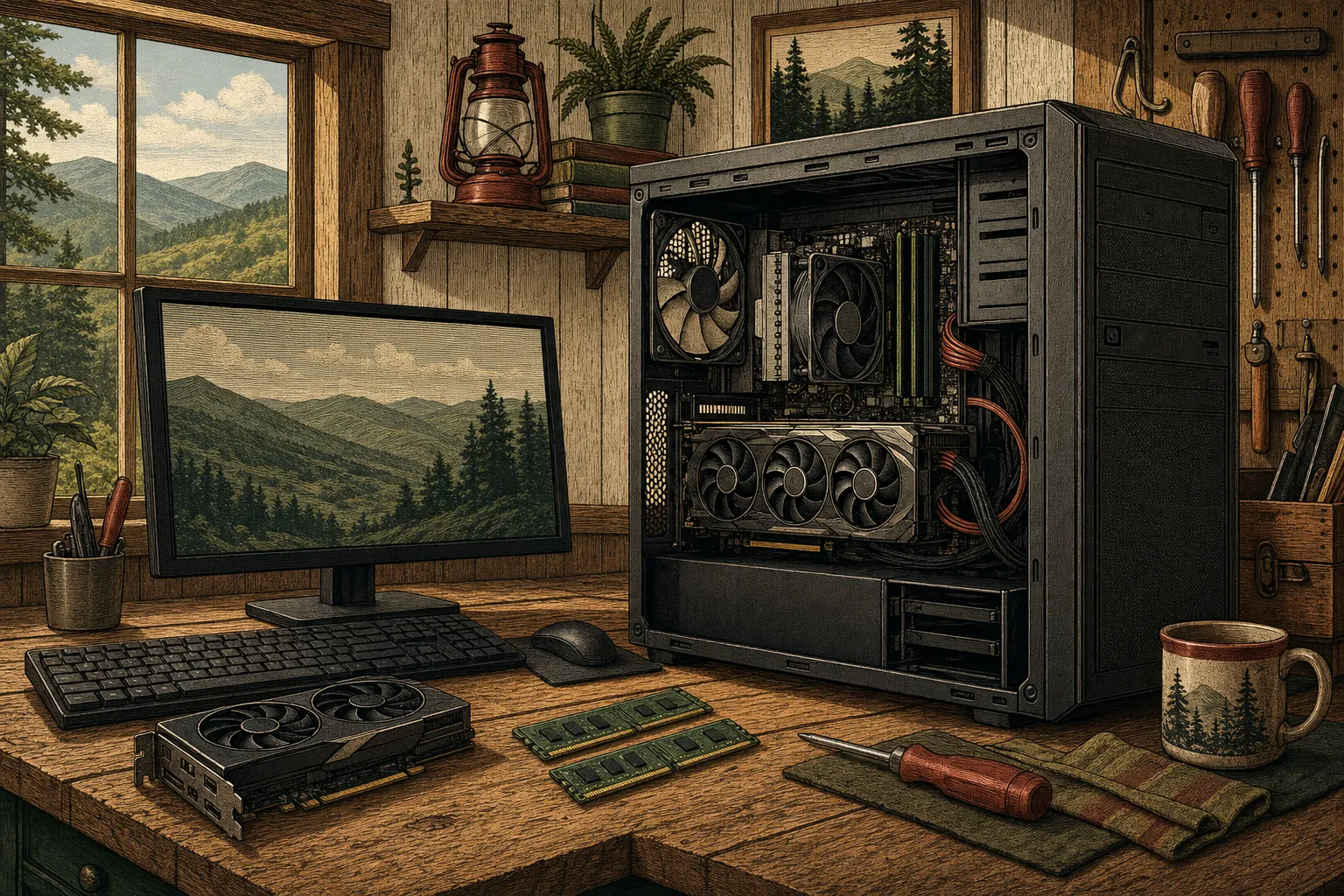
A computer fan is supposed to make some noise. It speeds up when the processor, graphics hardware, or other components need more cooling. A short burst of fan noise during a video call, game, update, or long work session is usually the computer responding to the work being asked of it. What deserves attention is a fan that suddenly sounds much louder than usual, stays loud after the demanding task has ended, or comes with heat, slowdowns, freezes, or shutdowns.
The useful question is not simply whether the fan is loud. It is what else changed at the same time. A computer that is warm and noisy may be working harder than normal. A computer that rattles or clicks may have a physical fan problem. A computer that slows down after several minutes may be protecting itself from heat. Those clues help separate a temporary busy moment from a repair issue that should not be ignored.
When loud fan noise can be normal
Fans become more noticeable when a computer is doing demanding work. Games, photo or video editing, large software updates, many browser tabs, video meetings, and background scans can all make the system generate more heat. The fan responds by moving more air. If the noise settles once the task ends and the computer otherwise feels normal, that pattern is less concerning than constant noise at idle.
Location matters too. A laptop used on a blanket, couch, or other soft surface can have its air intake blocked. A desktop tucked tightly into a cabinet or surrounded by papers may not have enough room to release warm air. Give the computer a stable, open place to work and see whether the noise changes. There is no need to take anything apart to notice whether airflow is being restricted.
Signs the fan noise needs attention
Take a closer look when the computer is loud during ordinary tasks, especially if the noise began recently. A fan that runs hard while you are only checking email, a computer that becomes hot to the touch, or a system that gets slower the longer it runs may be struggling to keep temperatures under control. Sudden shutdowns are particularly important because the computer may be protecting itself from excessive heat.
The type of sound matters. A steady rush of air is different from clicking, grinding, scraping, or rattling. Those unusual sounds can point to a fan or another physical part that needs a proper assessment. Do not keep forcing a noisy computer through demanding work just to see whether it will finish. Save what you can, note what you heard, and let the machine cool before deciding what to do next.
Why a computer can get louder over time
Computer cooling depends on air moving through the system. Over time, dust, pet hair, and ordinary household debris can make that job harder. A fan may then need to work harder to move the same amount of air. Age can also affect a fan itself, and software or an update can sometimes leave the computer working harder in the background than expected.
A loud fan does not automatically mean a computer is failing. It does mean the computer is giving you a useful signal. If the noise is paired with a slow startup, a spinning cursor, browser trouble, pop-ups, or crashes, there may be more than one issue involved. The sudden slow computer guide can help explain why performance symptoms often appear together.
What not to do when the fan is loud
Avoid random fan-control downloads, long lists of unfamiliar commands, or changing advanced settings because a video promised an instant fix. Slowing a fan without understanding why it is running can make a heat problem worse. It is also wise to avoid opening a laptop or desktop if you are not comfortable working around internal components. A small problem should not become a damaged part or lost file because the repair was rushed.
If the computer contains important photos, business records, tax documents, or schoolwork, make sure those files are protected before pushing it through more demanding tasks. A computer that is overheating, freezing, or shutting down is not the moment for a major reset or a long update. If files are already missing or a drive is behaving strangely, use the data recovery help service before trying additional fixes.
When a repair assessment makes sense
Call for help when the fan is constantly loud, the computer is unusually hot, performance drops after a few minutes, the sound is mechanical rather than a normal airflow sound, or the machine shuts down unexpectedly. Mark can listen to the symptoms, identify whether the issue seems related to software, airflow, cooling hardware, or another part, and explain the repair path in plain language.
For a desktop computer, the desktop repair and support service is a good starting point. For a laptop, see laptop repair and support. You do not need to diagnose the fan yourself before calling. Tell Mark when the noise started, whether it happens all the time or only during certain tasks, and whether the computer is running hot, slow, or unstable. That gives the repair conversation a useful starting point.
Frequently asked questions
A fan often gets louder while a computer is working hard, such as during a game, video call, update, or large download. Noise that stays loud while the computer is idle, appears suddenly, rattles, or comes with heat and slowdowns is worth checking.
The fan itself is trying to protect the computer by moving heat away. The concern is the cause of the constant noise. If cooling is not keeping up, the computer may slow down, freeze, or shut down to protect its components.
Call when the noise is new and constant, the computer feels unusually hot, performance drops after it has been running, it shuts down unexpectedly, or the sound is clicking, grinding, or rattling.
Related posts
How to Tell If Your Computer Has a Virus
The visible warning signs that deserve attention, the scams that do not, and when it is time to call for help.

Why a computer gets slow, and what to do before replacing it
A practical first pass for slow, freezing, or aging computers.

Why your Wi-Fi keeps disconnecting, and what to check first
A calm way to narrow down dropped connections before changing every setting in the house.