
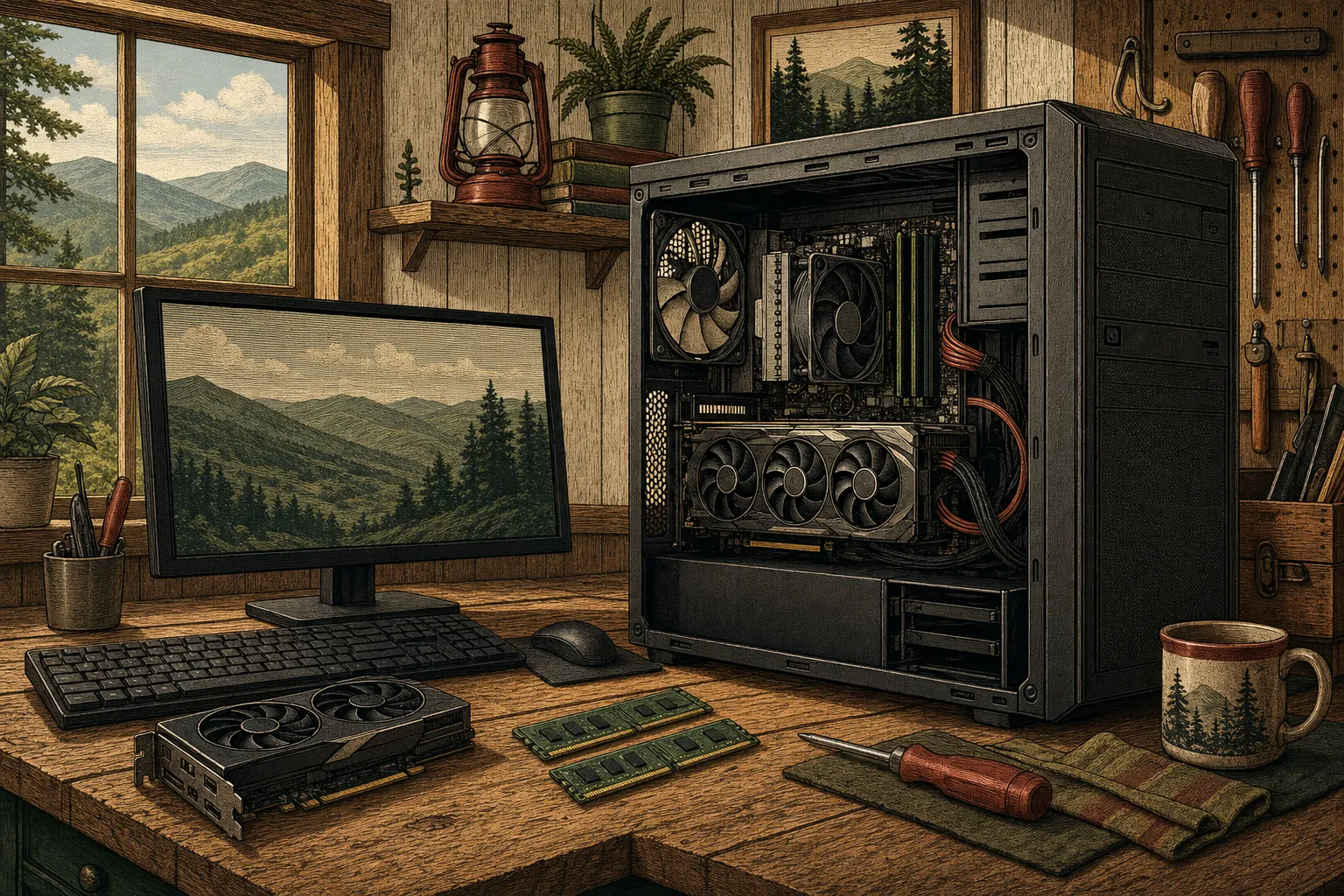
Desktop problems can come from software, settings, connected devices, or components. Mark can start by finding the likely cause remotely and help you decide what makes sense next.
Start with what the desktop is actually doing
A desktop may refuse to start, take a long time to reach the screen, restart unexpectedly, lose access to a printer, or become unreliable after an update. Those symptoms can come from programs, drivers, connected devices, storage, memory, or another component. Mark can begin with the clues you already have: when the issue started, what appears on screen, whether the computer makes unusual sounds, and whether the problem happens all the time or only with a particular task.
Remote help for the problems that do not need a bench
Many desktop issues can be investigated without taking the computer apart. Mark can look at software conflicts, performance slowdowns, operating-system problems, drivers, device connections, and common startup trouble through a remote session with your permission. That can save time when the problem is a setting or program rather than a broken component. You can watch the session and ask questions, so you always know what is being checked and why.
Useful guidance when parts are involved
When a desktop needs hands-on work, more memory, a replacement drive, or another upgrade, it helps to understand the value of that option first. Mark can explain what the symptoms suggest and whether an upgrade is likely to improve the computer in a meaningful way. He can also help identify when a physical repair is the right next step. The result is a practical decision based on your desktop and how you use it, not a one-size-fits-all recommendation.