Mountain City based • Helping computers nationwide
Straight answers when your computer goes sideways.
When your computer goes sideways, get straight answers about what is wrong and what to do next. Mark provides remote help for viruses, slow PCs, crashes, printers, and Wi-Fi from Mountain City, Tennessee.
Open 24/7 • Remote service • Mountain City, Tennessee
Computer repair that makes sense
Clear help for the problems that interrupt your day.
When a computer stops doing what you need it to do, you should not have to sort through confusing warnings, unfamiliar settings, or advice that sends you in circles. Mark starts by listening to what changed, what you are seeing, and what you need the computer to do next. Then you get a straightforward explanation and a practical path forward. Whether you work from home, keep family photos on one computer, or simply need dependable everyday access, the goal is the same: get you back to using your computer with confidence.
Unexpected warnings, browser redirects, fake support messages, and programs you do not remember installing can make a computer feel unsafe fast. Mark can help identify unwanted software, remove common threats, and explain the sensible next step without pressuring you into a surprise remote session. If an unexpected caller or pop-up tells you to act right away, stop and call Mark directly instead.
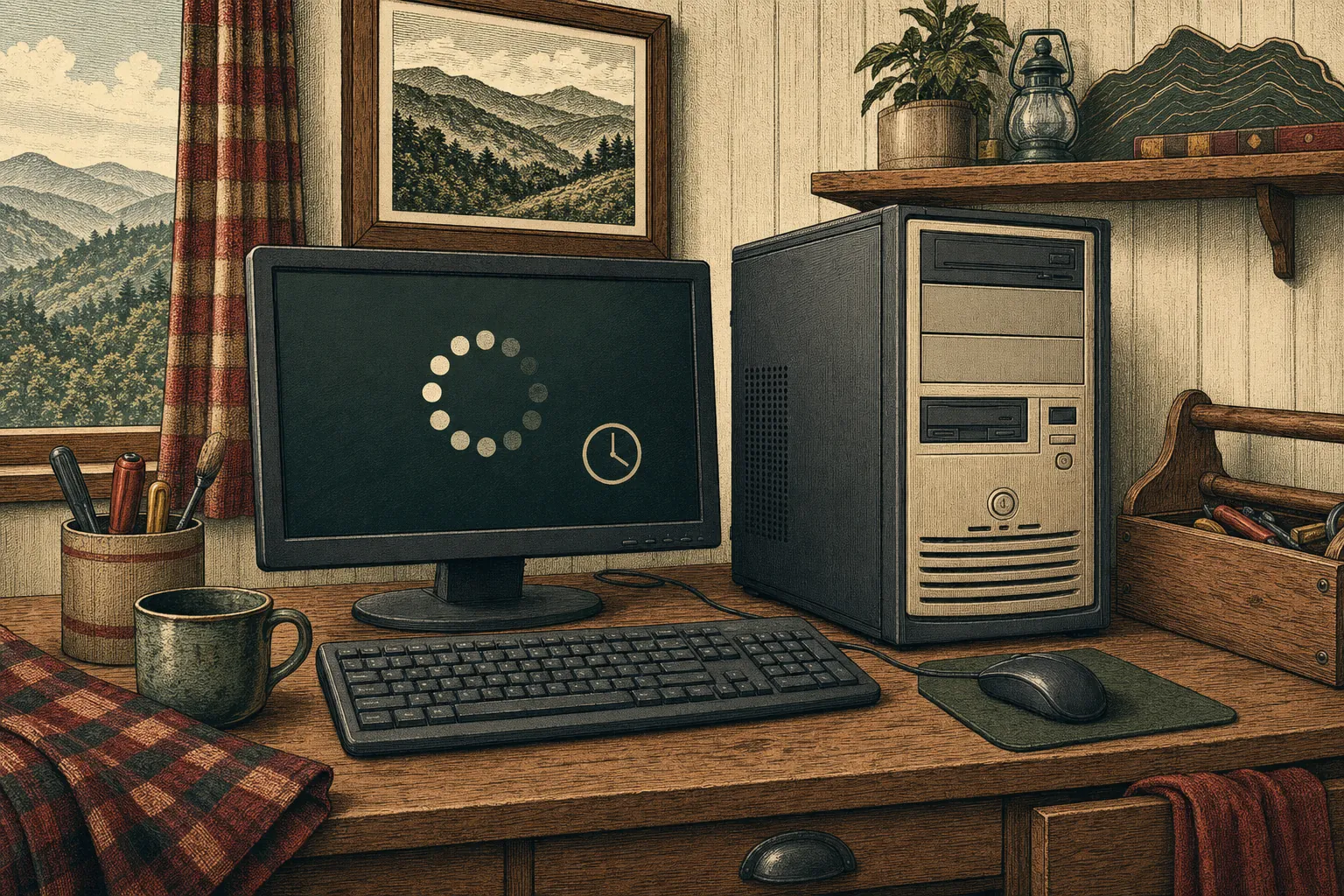
A computer that takes forever to start, freezes in the middle of work, or crashes without warning does not always need to be replaced. Startup clutter, storage pressure, old software, drivers, and unwanted programs can all make a good computer feel worn out. Mark can help narrow down the likely cause, improve what can be improved remotely, and be honest when a physical repair or upgrade makes more sense.
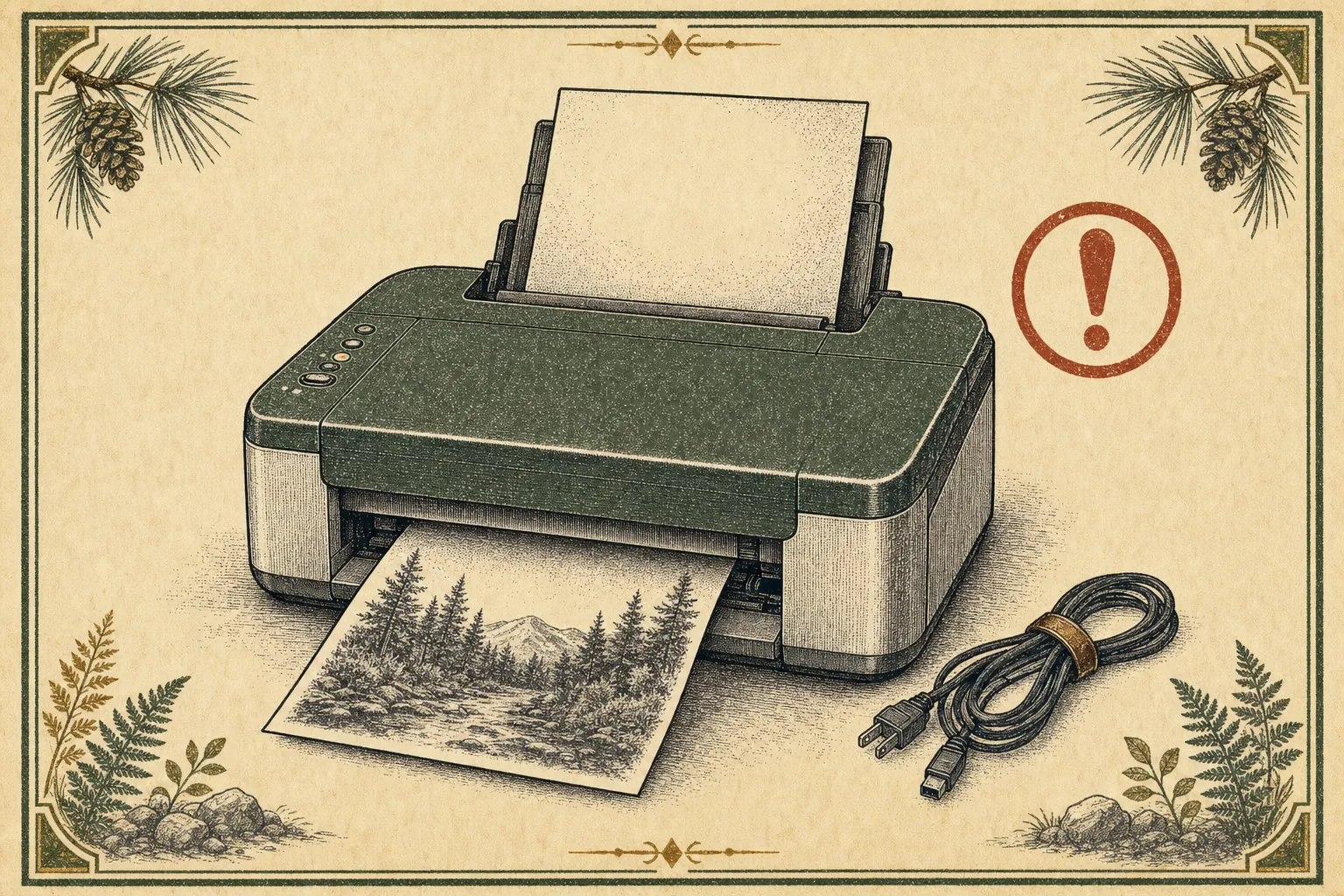
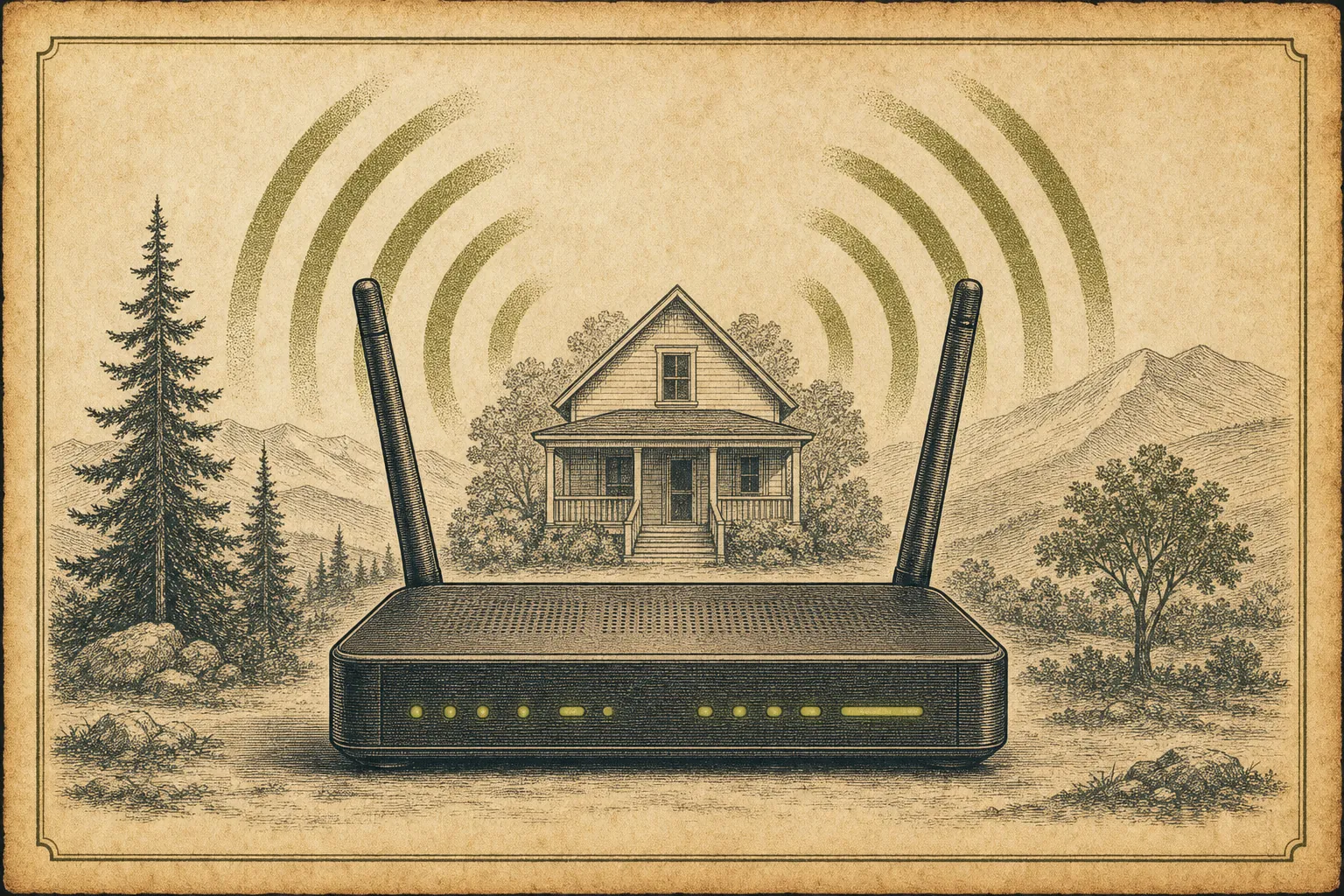
Printers, routers, scanners, and home devices tend to fail when you need them most. Whether a printer will not connect, a print job is stuck, Wi-Fi keeps dropping, or a new router needs setting up, Mark can help make the everyday pieces work together again. You do not need a long list of technical details before you call—just describe what is happening and what you have already tried.
Remote support should feel useful, not risky. You begin by calling Mark, you choose whether to connect, and you can watch the work on your own screen. Ask questions at any point and end the session when you are done. That approach makes remote help a practical option for many software, performance, printer, account, and connection problems without handing control to a stranger.
Call Mark first and describe what your computer is doing. If remote help is a good fit, Mark will guide you through a temporary connection step by step. You stay at your computer throughout the session, can ask questions at any point, and can end the connection whenever you choose.
Remote help is well suited to viruses, slow computers, crashes, software problems, printers, account issues, and many Wi-Fi problems. Mark can first look at what is happening and explain the practical next step. If the problem needs a physical repair, replacement part, or specialist recovery work, he will tell you plainly before you spend time on the wrong fix.
Remote support is safest when you start the conversation yourself by calling Mark directly. You can watch the work on your own screen, ask why a step is needed, and disconnect whenever you are not comfortable continuing. Mark will not ask you to begin a session because of an unexpected call or pop-up.
The current service options are $49 for 30 minutes or less, $129 for a single repair session, and $329 for a yearly plan with up to five service instances. If you are not sure which option fits the problem, call Mark first and talk it through before choosing a service.
Tell Mark what’s going wrong.
Computer trouble is stressful enough. Start with a call or a short message and get a clear answer about the next step.