
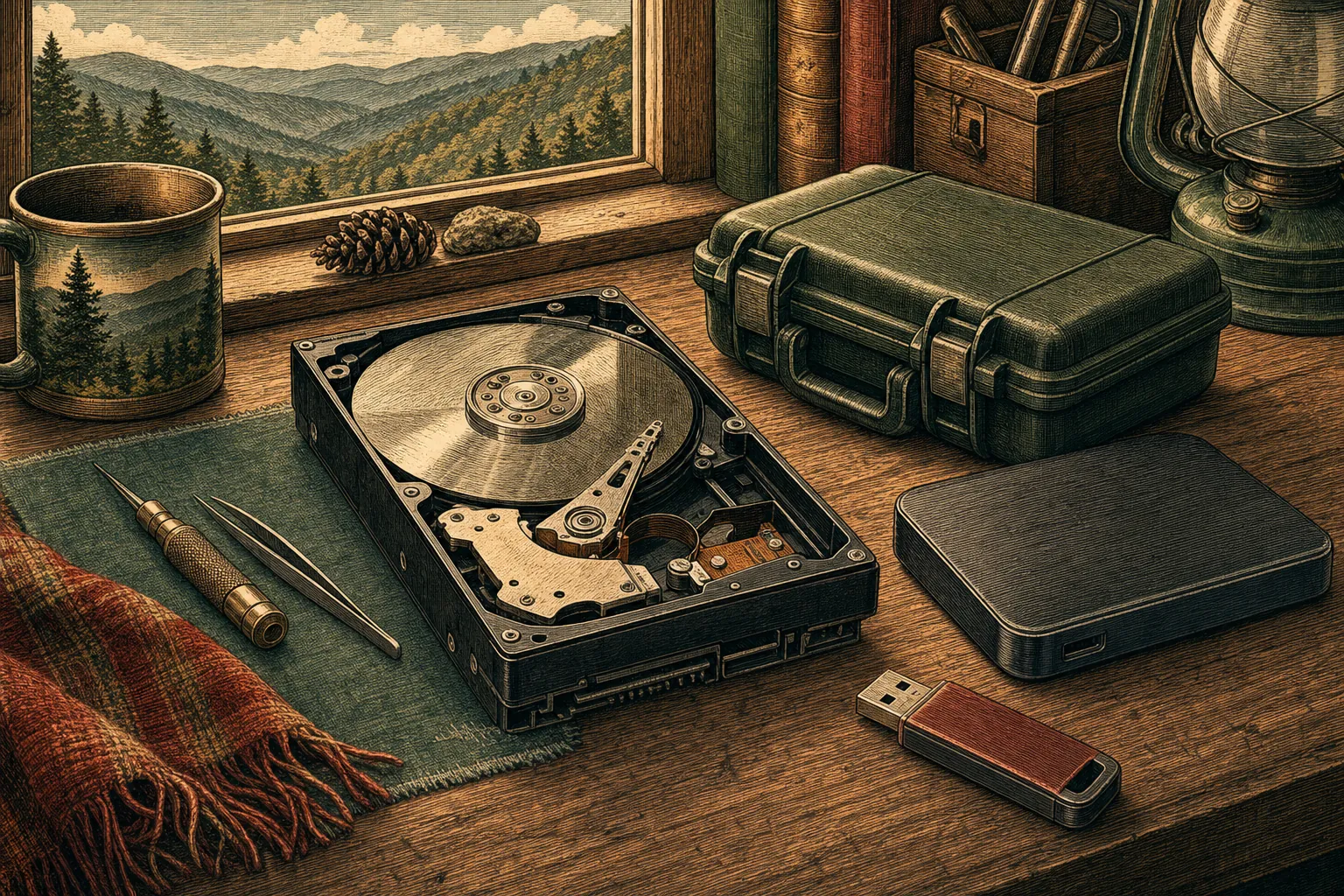
When important files go missing, the first move matters. Mark’s site identifies DriveSavers as a data recovery partner for damaged drives and storage media, with remote help for some situations and in-lab recovery for serious physical damage.
Pause before trying more fixes
If a drive is making unusual noises, disappearing from the computer, asking to be formatted, or refusing to open important files, stop using it when you can. Repeated restarts, downloads, and do-it-yourself recovery attempts can make a fragile situation worse. Keep the device connected only long enough to describe what you are seeing, then call Mark for guidance. The safest next step depends on whether the issue is a missing file, a damaged storage device, or something in between.
Different problems need different care
Some data-loss situations are logical: files were deleted, a folder is missing, or the device is readable but the information is not where it should be. Those can sometimes be assessed remotely. Physical problems are different. A clicking hard drive, a damaged USB drive, a failed solid-state drive, or storage affected by water or impact may need specialised in-lab recovery. Mark can help you understand which situation you may be facing before you take a risky next step.
A path for files that truly matter
For serious recovery needs, Mark works with DriveSavers resources for damaged hard drives, SSDs, USB drives, memory cards, and other storage media. There is no promise that every file can be recovered, but there is a better path than treating a failing device like an ordinary computer problem. Mark can help you decide how urgent the situation is, what information to have ready, and whether specialist recovery is appropriate. That gives valuable photos, documents, and business files the care they deserve.