
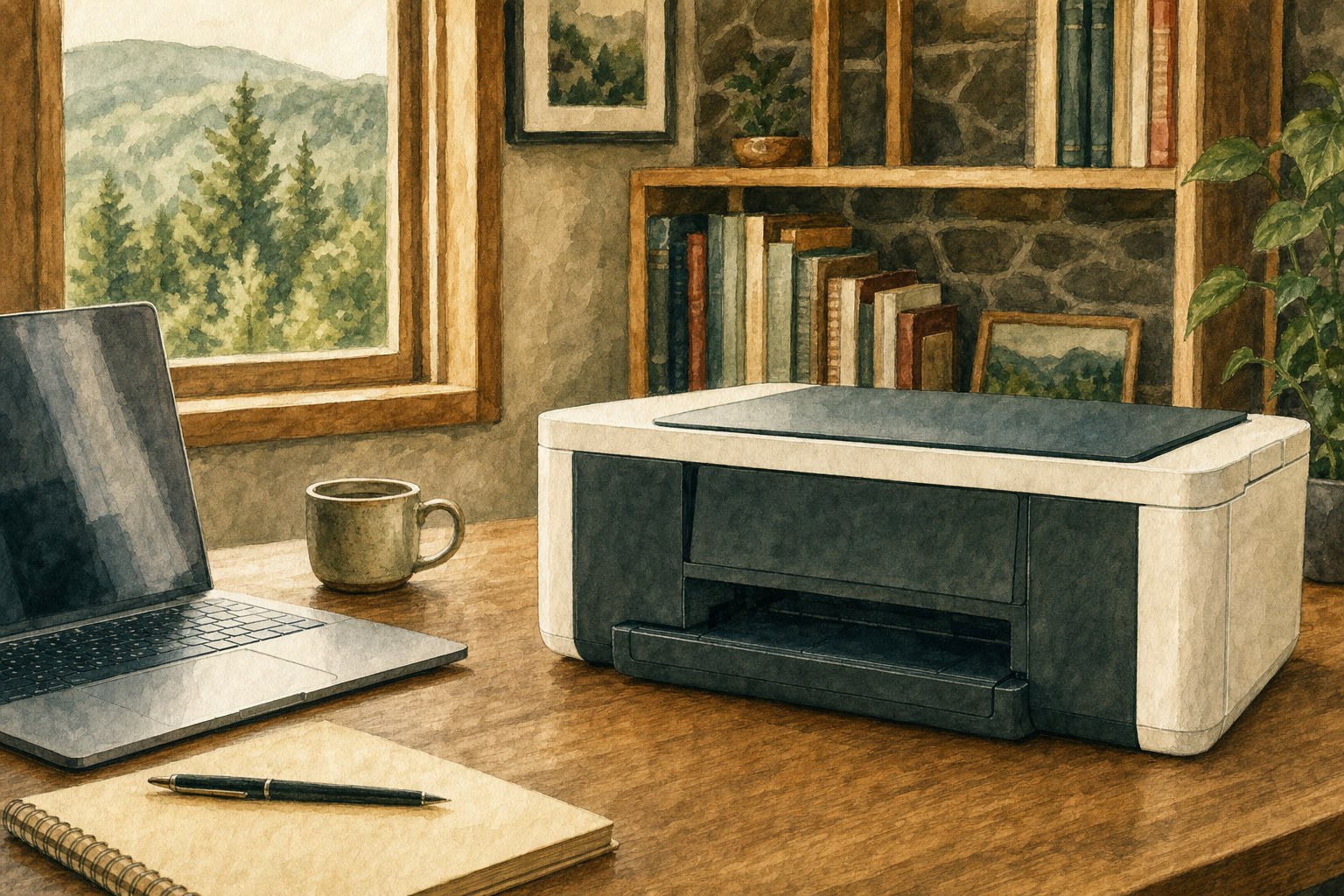
A printer can be powered on, connected to Wi-Fi, and still show “offline” on the computer. That does not automatically mean it needs replacing. It means the printer and computer are not communicating the way they should, and the cause can be difficult to see without checking the right places.
For most people, the frustrating part is not the error itself. It is losing time to a printer that worked yesterday, while documents, schoolwork, forms, or business paperwork wait. Mark can help get to the cause without turning the problem into a long list of risky guesses.
What “printer offline” usually means
An offline message is a communication warning. The printer may have lost its connection to the computer after a router change, update, power interruption, or a stalled print job. It can also come from a driver, a saved printer entry, or a setting that is not obvious from the printer itself. A Wi-Fi symbol on the printer only confirms part of the connection, not that the computer can send a job successfully.
That is why the problem can feel confusing. The printer may look perfectly normal, yet the computer cannot reach it. The right repair depends on whether the issue is with the printer, the computer, the Wi-Fi network, or the software that links them together.

Common signs it is time to call for printer repair
Call Mark if the printer repeatedly goes offline, only works from some devices, disappears after a restart, has a stuck print queue, will not scan, or shows an error you do not recognize. These are common issues, but they can have several possible causes. Trying random downloads or repeated resets can make the next repair take longer.
It is also worth calling when the printer stopped working after a new router, a Wi-Fi password change, a Windows update, a power outage, or moving the printer. Those details give Mark a strong starting point and make it easier to separate a printer problem from a wider home-network issue.
Why a working printer can suddenly look unavailable
Printers depend on several parts working together: the printer itself, the computer, the network, and the software that sends the job. One small interruption can make Windows report the printer as offline. Microsoft identifies the same broad causes in its offline-printer support guidance, including printer status, connection, queue, and Windows settings.
There is no need to decide which part is at fault before calling. Mark can ask a few practical questions, then check the connection and printer setup during a customer-started remote session. You stay in control and can see what is being looked at.

Printer help without the guesswork
Mark helps with printers that will not print, cannot be found by the computer, show an offline message, have stuck jobs, or suddenly stop scanning. The goal is a clear answer and the repair that makes sense, not asking you to become your own tech support person first.
Many Windows, print-queue, driver, and home-network problems can be checked remotely. If the printer itself has a hardware problem or needs hands-on attention, Mark will explain that plainly before you spend time or money in the wrong direction.
What to have ready when you call
Have the printer turned on, and keep the printer brand and model nearby if you can find it. It also helps to know whether the issue affects printing, scanning, or both, and whether anything changed recently. An error message, a photo of the screen, or a note that the printer went offline after a new router can save a lot of time.
Visit the printer and device help page or call Mark at 423-440-1899 for practical help with an offline printer. If other devices are also losing their connection, Mark can also help with the home network through the Wi-Fi setup and troubleshooting service.
Frequently asked questions
A printer can be on and connected while the computer cannot communicate with it correctly. The cause may be the printer setup, a stalled queue, Windows, or the home network. Mark can identify the likely cause without having you work through a long repair checklist.
Not necessarily. An offline message often comes from the connection or software, not a failed printer. Mark can help determine whether the problem is repairable before you spend money on replacement equipment.
Yes. Many offline-printer problems involve the Windows printer entry, print queue, drivers, or home network and can be checked during a customer-started remote session. If hands-on repair is needed, Mark will tell you plainly.
Have the printer brand and model nearby if possible, along with any error message and a short description of what stopped working. Mention whether printing, scanning, or both are affected and whether anything changed recently.
Related posts

Printer not printing? Start with these basics
A calm first checklist for home printer problems.
Why your Wi-Fi keeps disconnecting, and what to check first
A calm way to narrow down dropped connections before changing every setting in the house.

Wi‑Fi Connected but No Internet? What to Check First
Wi-Fi connected but no internet? Check whether the issue is your computer, router, or provider before changing the wrong setting.