
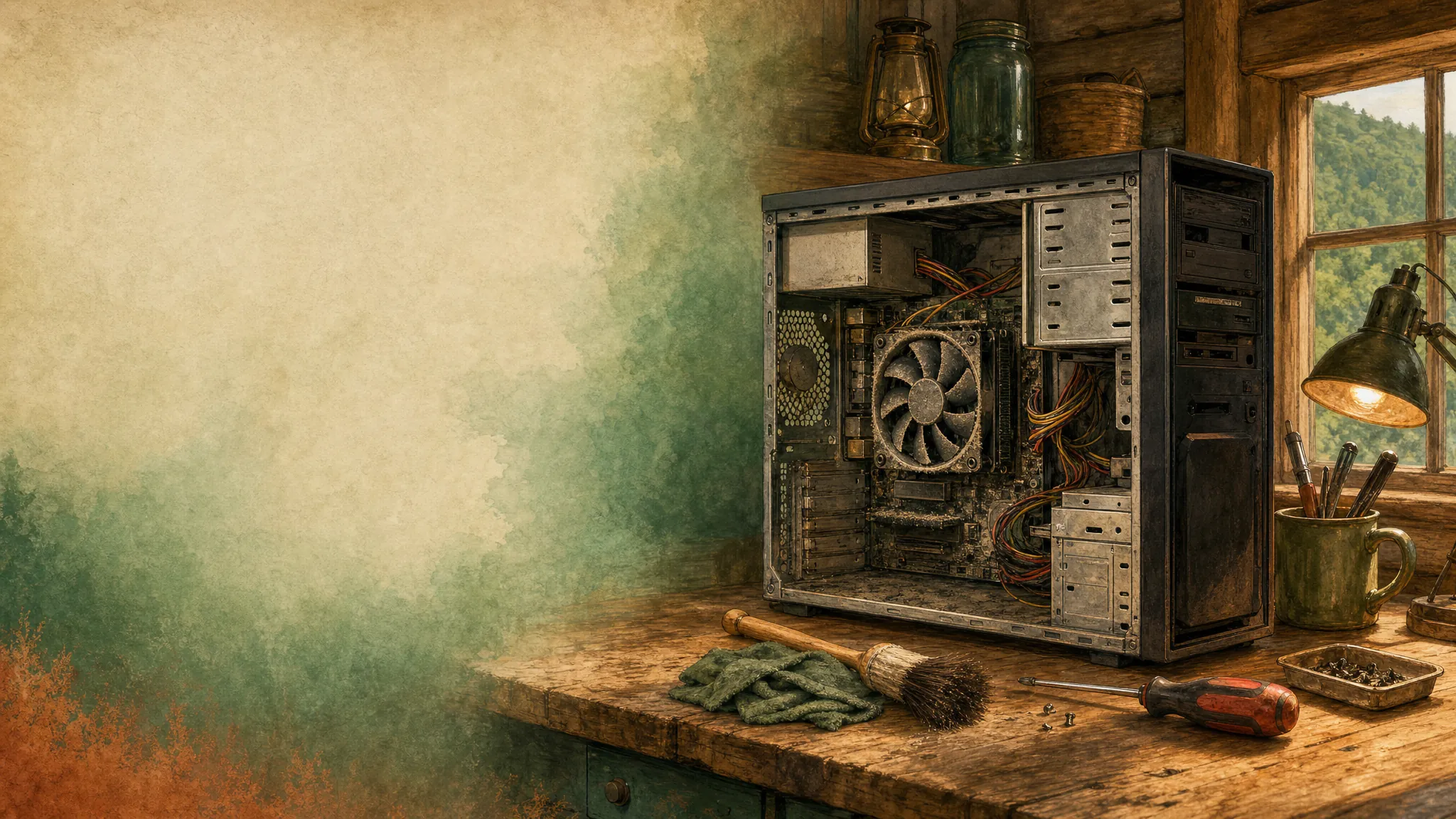
A computer that suddenly runs hot, sounds louder than usual, or shuts down during a task is asking for attention. It does not always mean something is permanently damaged, but repeated overheating can turn a small cooling problem into lost work or a failed part. The sensible move is to slow down before pushing it harder.
Know the common warning signs
Constant fan noise, a very warm case, performance that gets worse after a few minutes, screen freezes, and unexpected shutdowns can all point to a heat problem. On a laptop, hot air from the vents or a surface that becomes uncomfortable to touch are useful clues. On a desktop, listen for fans that are struggling or not running at all.
Stop demanding work for the moment
Save your files, close demanding programs, and let the computer cool down. Avoid long gaming sessions, large downloads, or repeated restarts while it is unusually hot. If it has shut itself down, give it time before turning it back on rather than trying to force it through the same task.
Check airflow before taking anything apart
Make sure vents are not blocked by carpet, blankets, a wall, or a crowded shelf. A desktop needs open space around its case; a laptop needs a hard, flat surface so its bottom vents can breathe. Dust buildup can also restrict cooling, but do not open a computer if you are not comfortable doing so.
Pay attention to when it happens
Does the computer heat up only during a video call, a game, or a certain program? Or does it get hot sitting idle? That difference helps separate a cooling problem from software that is working the computer too hard in the background. Make a note of the timing and any messages you see.
Get a clear next step
Mark can help you talk through the symptoms and determine whether settings, software, airflow, or a physical repair is more likely. For a desktop that needs a closer look, see desktop repair and support or call before the problem becomes more expensive.
Related posts
How to Tell If Your Computer Has a Virus
The visible warning signs that deserve attention, the scams that do not, and when it is time to call for help.

Why a computer gets slow, and what to do before replacing it
A practical first pass for slow, freezing, or aging computers.

Why your Wi-Fi keeps disconnecting, and what to check first
A calm way to narrow down dropped connections before changing every setting in the house.