
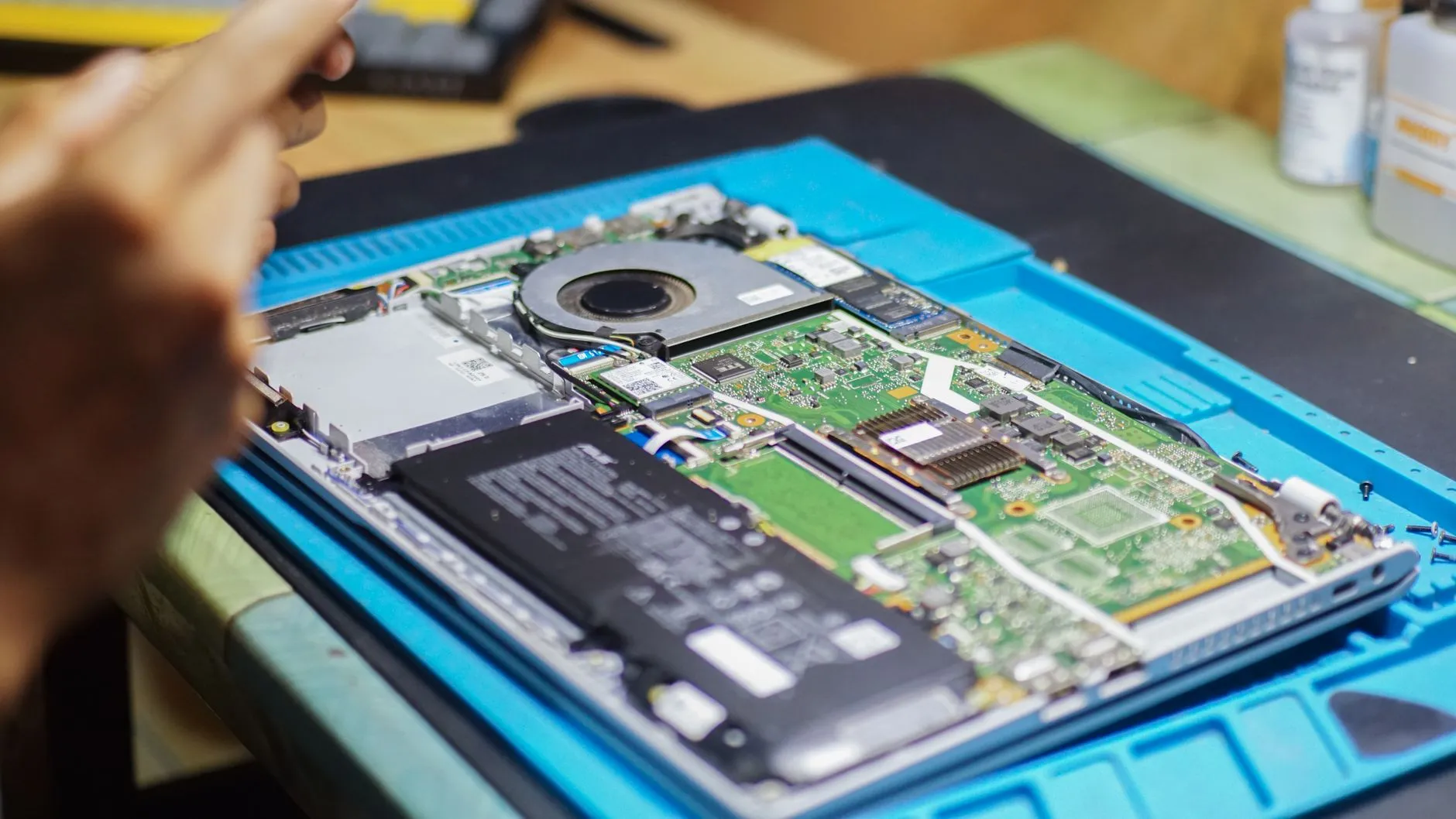
It is one of the most common questions people ask when they call: “Is this thing worth fixing, or should I just buy a new one?” It is a fair question, and the honest answer depends on what is actually wrong, how old the computer is, and what you need it to do. Here is how to think it through before you spend money either way.
Start with the actual problem, not the age
A computer that feels old is not always an old computer. Startup clutter, storage pressure, out-of-date software, driver conflicts, and unwanted programs make a perfectly good machine feel worn out. People replace computers every week that only needed a cleanup, a fresh install, or a faster drive.
So the first step is finding out what is really going on. A diagnostic tells you whether you are looking at a software problem, a failing part, or a machine that has genuinely run out of road. Guessing is what leads to buying a new computer that has the same problem a month later, because the trouble followed the files or the printer or the Wi-Fi, not the hardware.
Repairs that are usually worth it
Some fixes give you years of extra use for a fraction of the cost of a new machine:
- Virus and malware removal when the computer is otherwise healthy
- A fresh Windows install on a machine bogged down by years of software
- Swapping a tired hard drive for an SSD, which is the single biggest speed change most older computers can get
- A cleanout and blowout when heat and noise are the main complaints
- A laptop screen replacement when everything else about the laptop still suits you
You can see what those run on the pricing page. In-shop virus and malware removal is $80, a Windows reinstall is $99 without a backup or $130 with one, a cleanout and blowout is $30, and an SSD or laptop screen replacement is $99 plus parts. Compare those numbers against the price of a new computer plus the time it takes to move everything over.
When replacing usually makes more sense
Replacement starts to look smarter when the repair cost climbs toward a large share of what a comparable new machine would cost, especially on a laptop that needs more than one major part. A failed motherboard, a liquid-damaged laptop, or a machine that needs a screen, a battery, and a drive all at once is often money better spent on something new.
It is also worth replacing when the computer can no longer run supported software safely. If a machine cannot stay on a supported version of Windows, it will keep working for a while, but it stops getting security updates. That matters more than raw speed, because an unsupported computer is the easiest kind to get into trouble with.
Be honest about what you need it to do
A computer used for email, bills, photos, and browsing does not need the same hardware as one running a small business, editing video, or gaming. Plenty of older machines handle everyday tasks just fine after a tune-up. If your needs have grown since you bought it, though, repairing it only gets you back to a speed that was already too slow for the work.
Protect your files either way
Before any repair, reinstall, or trade-in, make sure your photos, documents, and tax records exist somewhere other than the computer in question. If a drive is already acting up — clicking, freezing, disappearing — say so when you call, because the order of operations changes when files are at risk. And never hand off or recycle an old computer with your files still on it.
If you do buy new
Buying the computer is the easy part. Getting your files, email, printer, passwords, and programs moved over without losing anything is where most of the frustration lives. New computer setup is covered under the $49 Quick Fix if it is a 30-minute job, and Mark can help you move things over and get the old machine cleared off properly.
Get a straight answer first
You should not have to decide this on your own, and you should not have to decide it from a sales counter. Call Mark, describe what the computer is doing, and you will get a plain explanation of what is likely wrong and whether it is worth fixing. If a repair does not make sense, he will say so.
Mark’s Computer Repair is based in Mountain City, Tennessee and helps home users, families, and small businesses across East Tennessee and nationwide, 24/7. Call 423-440-1899 or send a request and tell him what is going on.
Frequently asked questions
Start with a diagnostic so you know what is actually wrong. Software problems, drive upgrades, and cleanups are usually worth it. Multiple failed parts on an older laptop usually are not.
Not always. If the slowdown comes from clutter, unwanted software, or an old hard drive, a tune-up or SSD can make the computer you own feel new again.
Yes. New computer setup is part of the $49 Quick Fix for jobs of 30 minutes or less, and a standard transfer or data recovery in shop is $99 plus parts.
Related posts

Why a computer gets slow, and what to do before replacing it
A practical first pass for a computer that takes forever to start, freezes, or suddenly feels old.

How to Tell If Your Computer Has a Virus
The warning signs that deserve attention, the scams that do not, and the first steps to take.
Windows 10 End of Support: What to Do Now
What changes for your computer and the practical options if it cannot move to Windows 11.