
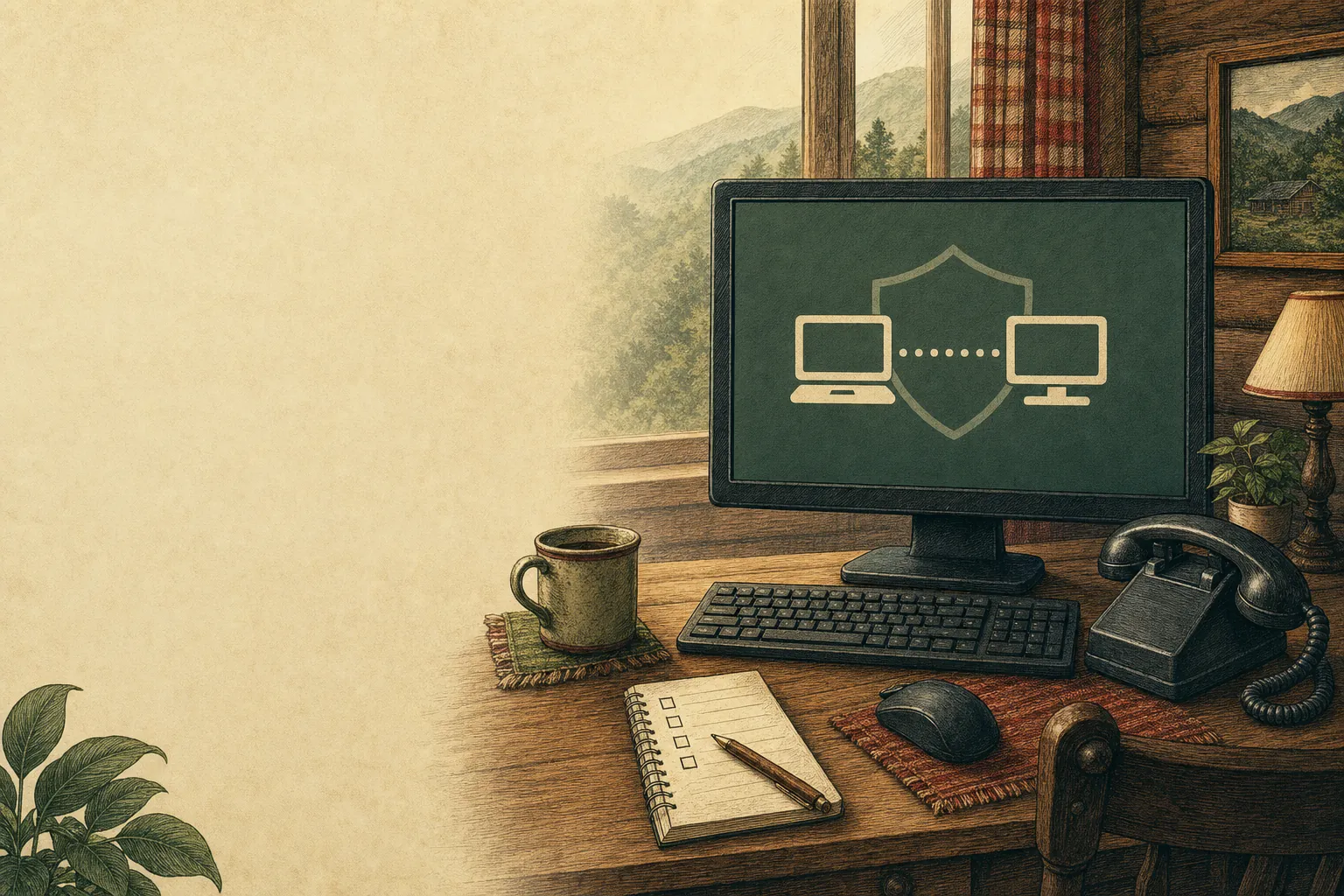
Remote support can be a practical way to solve a computer problem from home. It also gives scammers an opening when they call unexpectedly, use scary language, or pressure you to install something right away.
Start the conversation yourself
A trustworthy support session begins because you chose to contact the business. If someone calls out of the blue and says your computer is infected, slow down. Do not give them access because a pop-up, call, or message told you to.
Ask who you are talking to
Call the number you found for the business yourself. Explain the issue in plain language and ask what will happen before you download a remote-support tool or share information.
Stay at the computer
During a legitimate session, stay present. Watch what is happening, ask questions, and stop the session if anything feels wrong. You should not be rushed into decisions you do not understand.
Know when to pause
Unexpected requests for gift cards, wire transfers, passwords, or urgent payment are warning signs. When in doubt, end the connection and get a second opinion.
Related posts
How to Tell If Your Computer Has a Virus
The visible warning signs that deserve attention, the scams that do not, and when it is time to call for help.

Why a computer gets slow, and what to do before replacing it
A practical first pass for slow, freezing, or aging computers.
Why your Wi-Fi keeps disconnecting, and what to check first
A calm way to narrow down dropped connections before changing every setting in the house.