
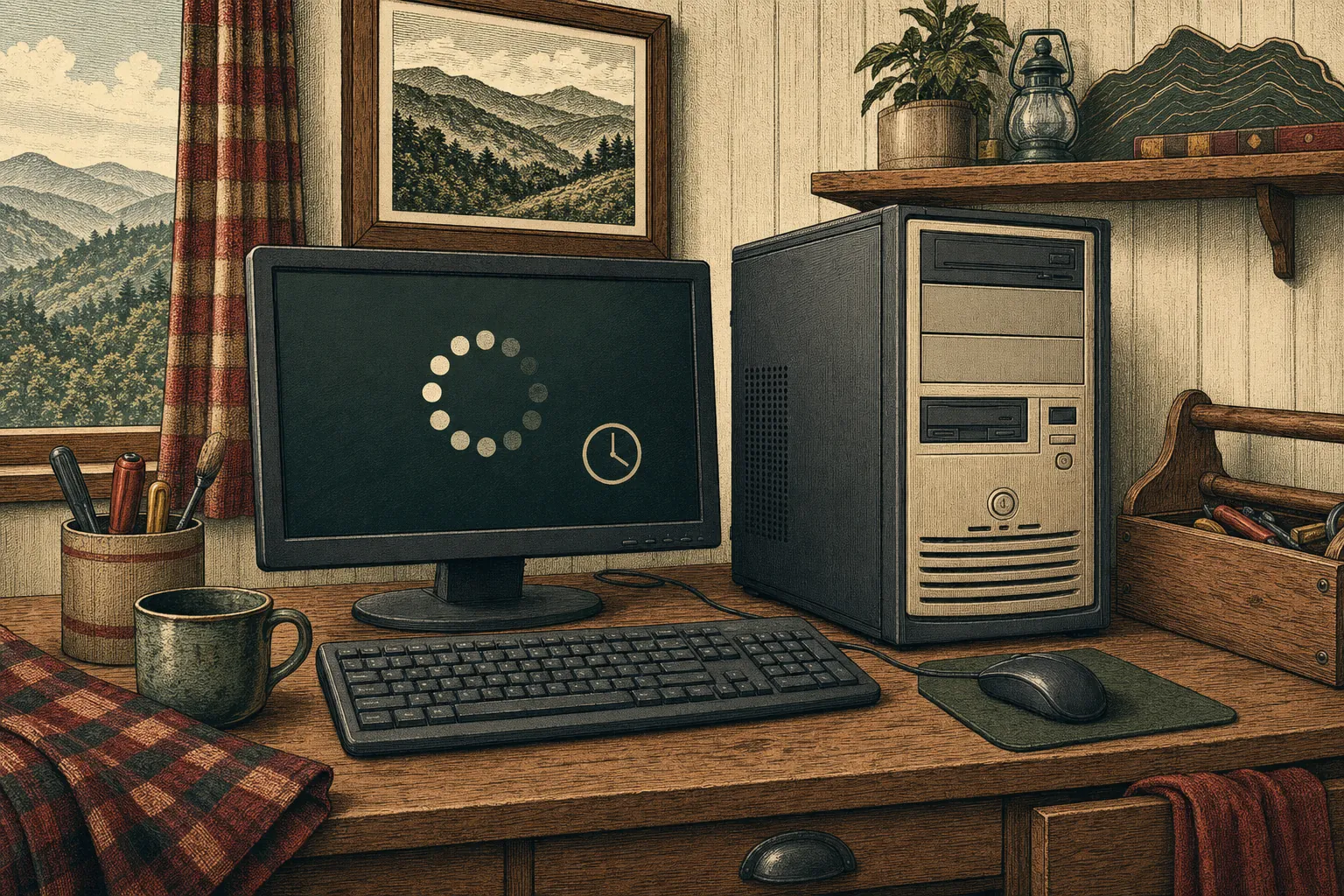
A slow computer is rarely a mystery forever. Mark can look for the everyday causes, including unwanted software, overloaded startup items, outdated drivers, and system clutter, then explain what is worth fixing.
Why a computer gradually loses speed
A computer can feel slower for many ordinary reasons. Too many programs may be starting with Windows, a browser may be carrying years of extensions and tabs, updates may be waiting, storage may be nearly full, or a program may be quietly using more resources than it should. Freezing, long startup times, spinning cursors, and frequent crashes are all useful clues. You do not need to sort through them alone or guess which online fix is safe.
Finding the cause before changing anything
Mark can look at the symptoms, recent changes, and the health of the system to narrow down the problem. That may include checking startup items, software conflicts, drivers, available storage, and signs of unwanted programs. The point is to make sensible improvements based on what the computer is actually doing, rather than piling on cleanup tools that can create a second problem. Mark will explain the findings in plain language as the work moves along.
An honest answer about the next step
Sometimes a cleanup and a few adjustments make a big difference. Other times, an older drive, limited memory, or failing hardware is holding the computer back. If an upgrade, repair, or replacement would make more sense than more software work, Mark will say so. You will know what is worth doing, what can wait, and how to keep important files protected while you decide. The goal is a computer that is comfortable to use again, not a temporary patch.