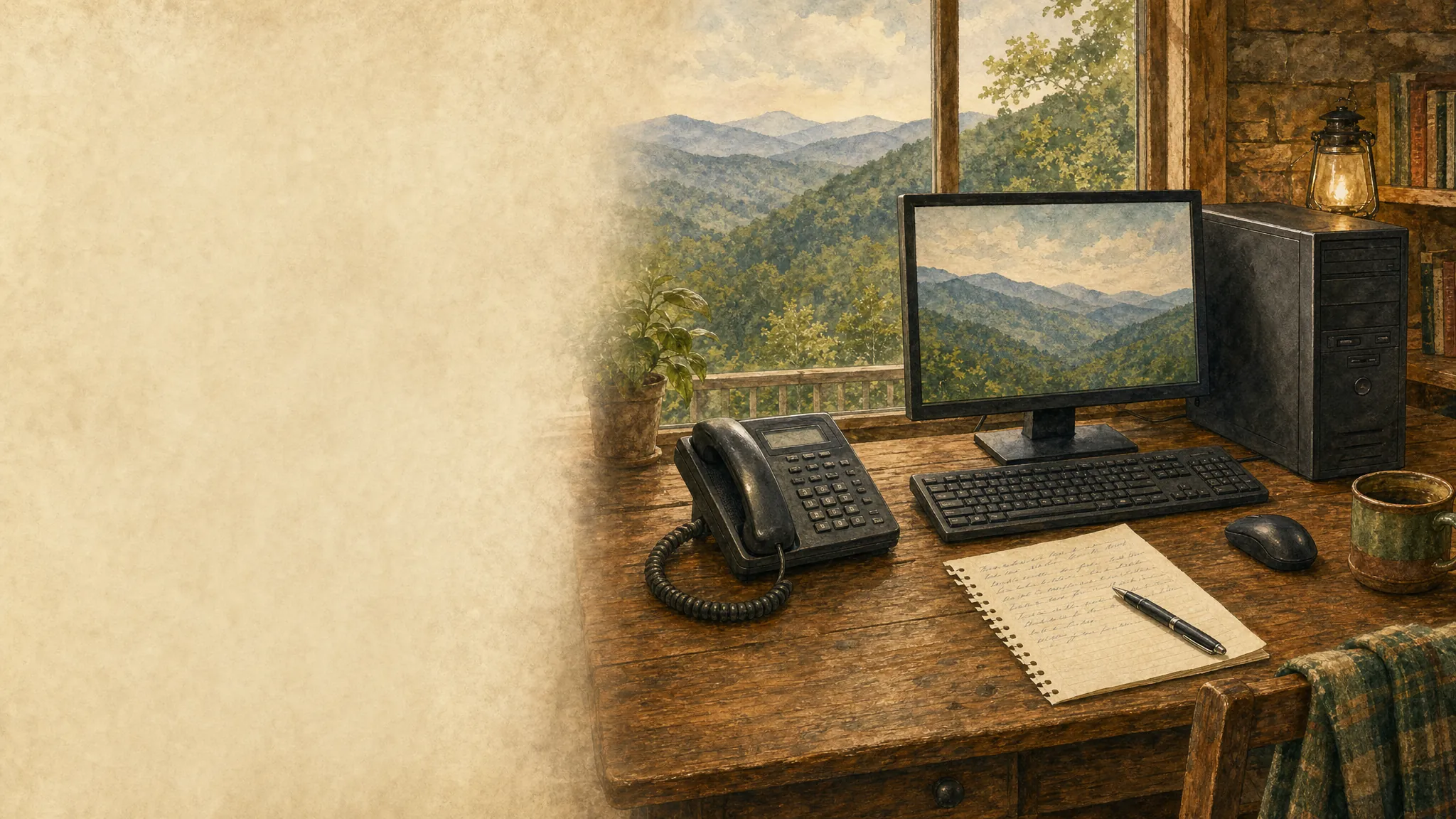
Desktop computer and telephone on a home-office desk
Computer help from wherever you are

Remote computer repair that starts with a real conversation.

For the everyday computer problems that interrupt work, school, and home life, Mark can look at the issue with your permission and explain the practical next step.

Get help without hauling your computer anywhere.

Many frustrating computer problems come down to software, settings, updates, or a device that has stopped talking to the rest of your setup. Those are often problems Mark can investigate while you stay at home.

01

Tell Mark what changed

Explain what you are seeing, when it started, and what you need the computer to do.

02

Choose whether to connect

If remote repair fits the problem, Mark guides you through a temporary connection.

03

Get a clear answer

Watch the work, ask questions, and know whether the issue is fixed or needs a different repair path.

Practical help for the problems that keep you stuck.

A slow computer, unexpected pop-ups, a printer that has gone offline, unreliable Wi-Fi, or software that suddenly will not cooperate can make a normal day feel far more complicated than it should. Mark starts with the symptoms and works toward the cause, rather than asking you to try a long list of random fixes. You stay in charge of the connection and can see what is happening on your screen.

When remote repair makes sense

Remote help is especially useful when the computer still turns on and connects to the internet but something inside it is not behaving. Mark can help investigate performance slowdowns, browser and security concerns, operating-system trouble, printer setup, device connections, and many common home-network issues. It is a straightforward way to get an experienced set of eyes on the problem without turning a small issue into an all-day project.

When a different repair path is better

Not every problem belongs in a remote session. A cracked screen, failing battery, damaged charging port, clicking hard drive, or computer that will not power on may need hands-on service or specialist recovery. Mark will say that plainly. Knowing the difference early protects your time, your files, and your budget—and gives you a sensible next move instead of false hope.

Common reasons people call

Viruses, suspicious pop-ups, and browser trouble
Slow computers, freezing, and crashes
Printer, scanner, and device setup problems
Wi-Fi, account, update, and software issues

Start with the problem you can see.

You do not need the technical words. Call Mark, describe what the computer is doing, and find out whether remote repair is the right fit.

Frequently asked questions

Remote repair is a good fit for many virus, slowdown, printer, Wi-Fi, account, update, and software problems. Mark will first listen to what your computer is doing and tell you whether a remote session is the sensible next step.

No. Start by calling Mark and describing the problem in your own words. If a remote session is a good fit, he will guide you through the temporary connection while you stay at your computer.

You start the conversation by calling Mark directly, choose whether to connect, and can watch the work on your own screen. You can ask questions and end the session whenever you choose.

Mark will be direct if the symptoms point to a failing part, damaged device, or a repair that cannot be done online. You will get a clear recommendation instead of spending time on the wrong kind of fix.